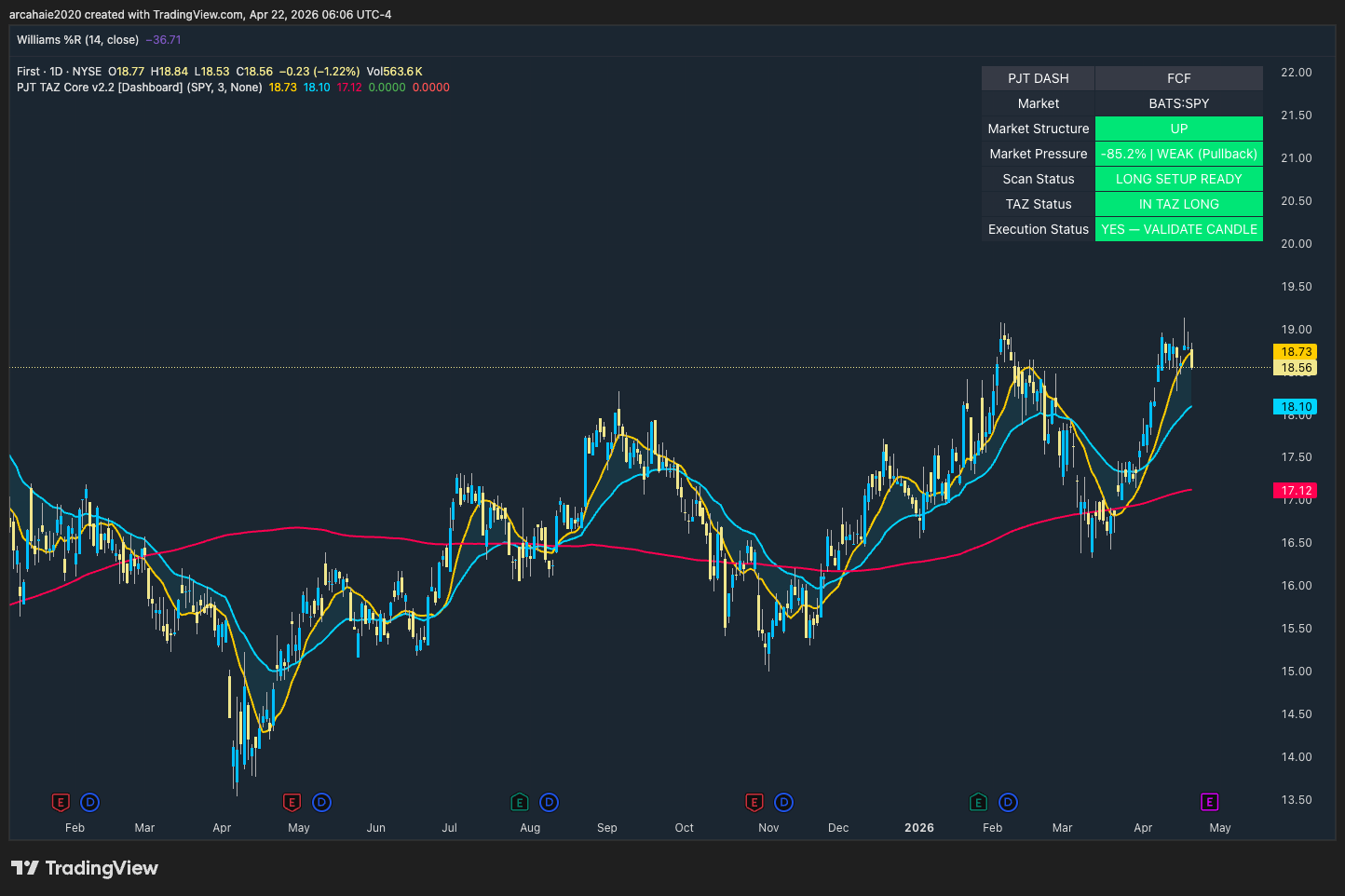
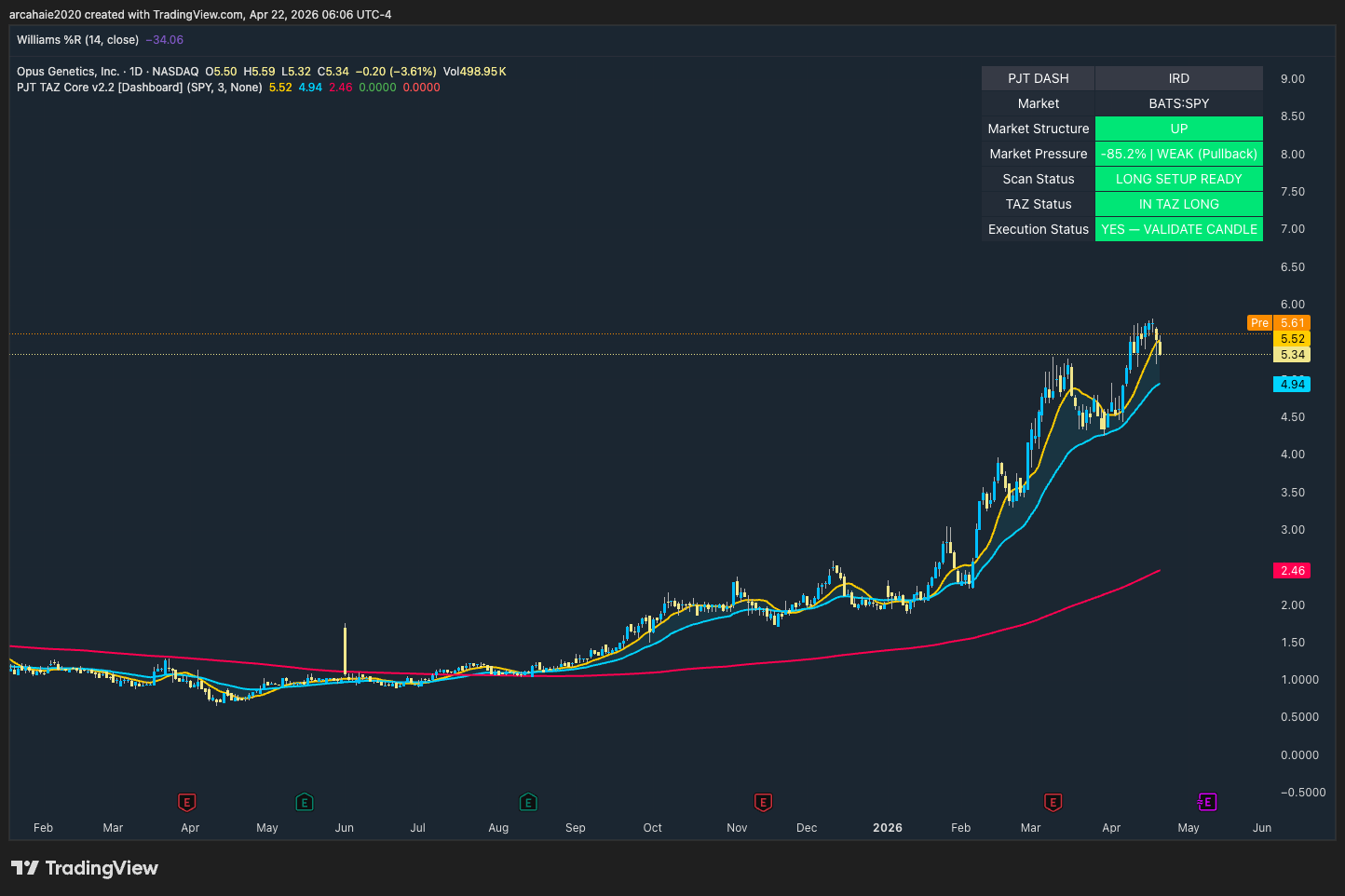
A simple, step-by-step system to swing trade US stocks with structure and confidence — designed for real people, not experts.
Focused on pullbacks, structure, and high-probability setups in the US stock market.
Built by a Haitian-American trader who learned the hard way — so you don't have to.
No guessing. No complicated strategies. Just a clear system.
Get the System & Start Swing Trading →✔ Instant download ✔ Beginner-friendly ✔ No experience needed
A quick breakdown of the system — video coming soon.
Don't wait — start with the full system now.
Get the System & Start Swing Trading →Three steps to get from zero to your first real trade setup — no guessing, no overload.
This system is built specifically for swing trading US stocks — not day trading, not crypto, and not complicated strategies.
Read the TAZ Trading Handbook. Learn the 5 framework conditions before you look at a single chart.
Get the Handbook →Install the free PJT indicators on TradingView. They show you exactly what to look for on any chart.
Get Free Tools →Use the free scan criteria to find real setups. No guessing — the system tells you what qualifies.
See Scan Tools →No Wall Street jargon. Every concept explained like a real conversation.
5 clear conditions. Either a setup qualifies or it doesn't. Zero guesswork.
Made with the Haitian-American community in mind — accessible, honest, and real.
"I built this system because I couldn't find a trading education made for people like us. No mentors, no connections — just the market and a method that actually works."
Patrick Joseph · Founder, PJT Academy
Learn how to find high-quality stock setups using the PJT TAZ system. Built on trend, pullbacks, and disciplined execution.
Every trade follows a simple process: scan for the trend, wait for a clean pullback, confirm the setup, and manage risk before entering.
Is SPY trending up or down? Only trade in the direction of the dominant market structure. No exceptions.
Williams %R (3-period) must be between -75 and -100, confirming the pullback is in the scan zone before searching.
Run the PJT scan. Filter for stocks meeting structure criteria. Build a focused watchlist — not a random list.
Price must be between the 10 SMA and 30 EMA — the Trade Action Zone. That is the only place we look to enter.
Wait for the confirmation candle. One candle closing in the trend direction — then and only then do you act.
Maximum 1% account risk per trade. Stop loss defined before entry. No position without a complete plan.
The PJT Core TradingView script overlays the full sequence dashboard directly on your chart. Get the free script below, then open TradingView with my affiliate link if you need the platform.
Both scripts are free to access. TradingView may require a paid plan for full custom-script workflow, but the PJT tools themselves are free.
TradingView plan required for custom scripts: TradingView has a free plan for basic charting. To add custom Pine Script indicators (like the two above), you need a paid subscription — Essential plan or higher. The scripts themselves are free. Use the button above and your plan covers everything. Go to TradingView ↗
StockCharts is the copy-and-paste option. Finviz and TradingView are manual workflows. The teaching goal stays the same: find strong trends pulling back into a valid setup area.
Subscription required. Paste the code and get a qualified list immediately. Best for beginners who want results without manual filtering.
Basic screener is free. Finviz Elite adds real-time data and advanced filters. Great for learning the criteria manually before automating.
Free plan available for basic charting. The complete PJT ecosystem — scan, confirm, and size your trade — all from one view once the scripts are loaded.
The scan finds the opportunities. · The chart confirms the setup. · The trader executes the plan.
First learn the process. Then see how it looks on real charts. These examples show what to take, what to wait on, and what to avoid.
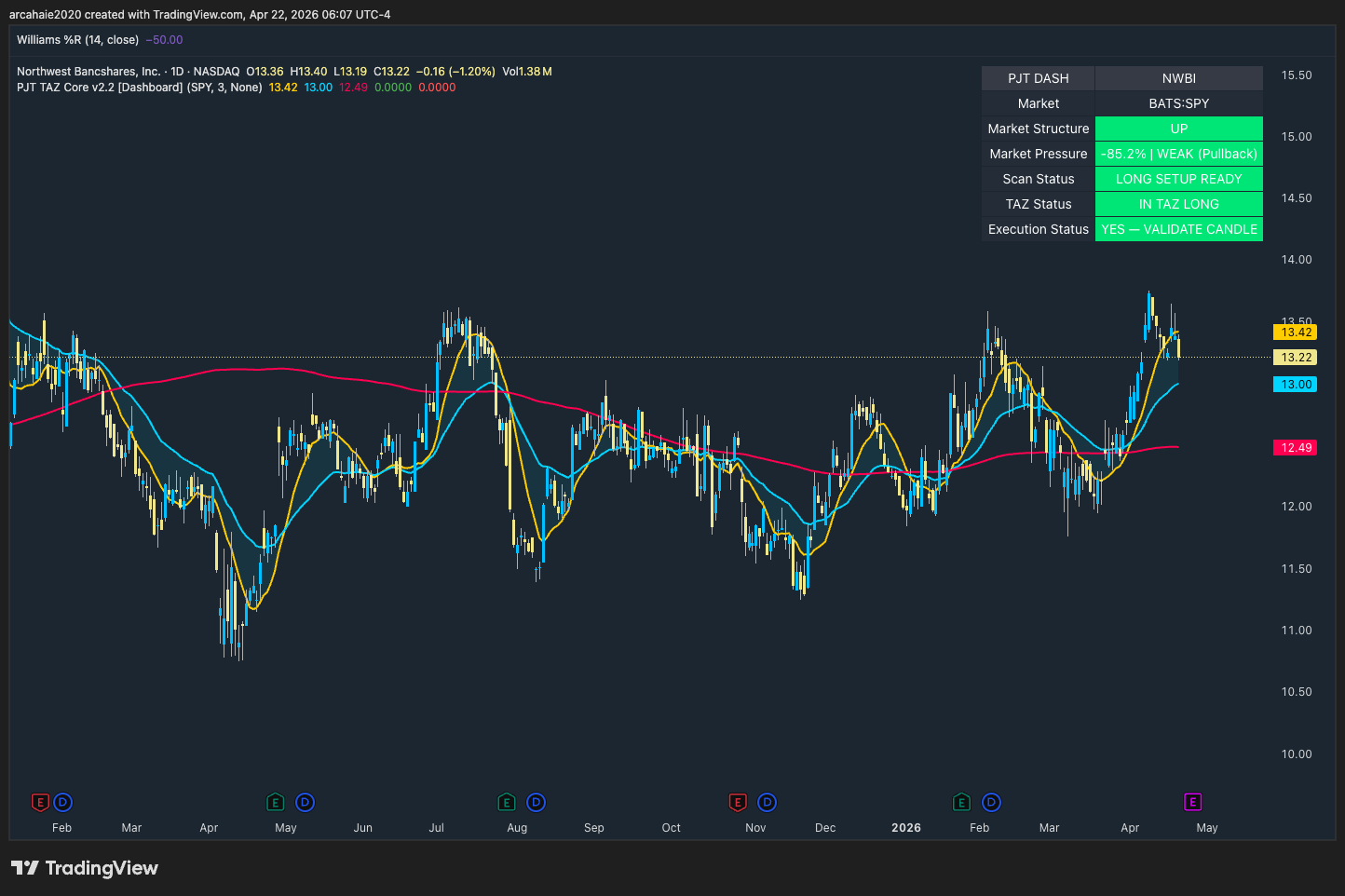
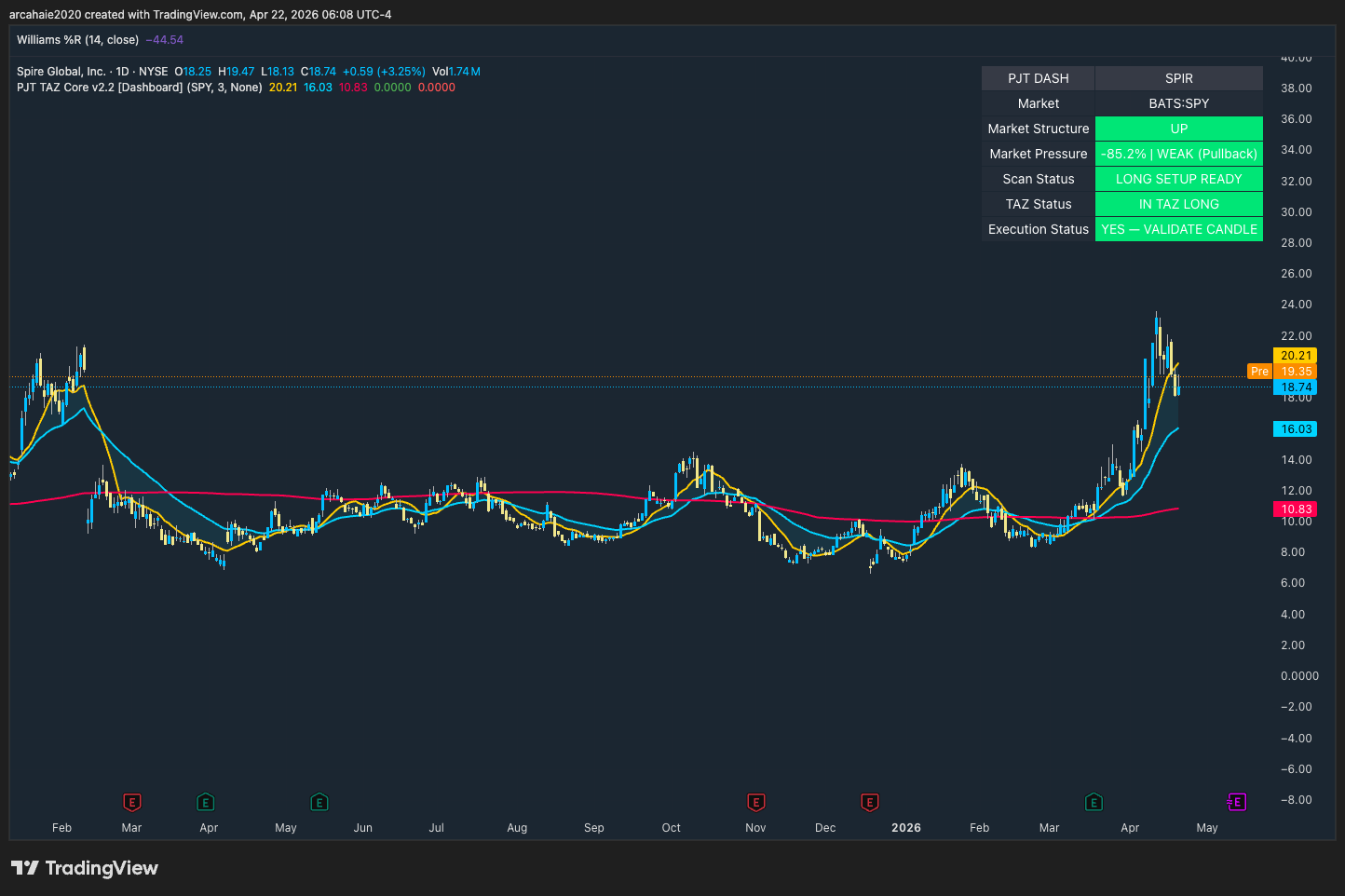
All five dashboard indicators aligned. Structure intact, TAZ active, W%R confirmed. This is exactly the scenario we wait for.
Get the core resources in one place: scan criteria, checklist, trade log, journal sheets, and script access. No purchase required.
All scan criteria for StockCharts, Finviz, and TradingView on one page. Print it or keep it open during your morning scan.
Printable log sheets to record every entry, exit, result, and lesson — the analog discipline layer.
Post-trade review sheets — capture screenshots, notes, emotional state, and improvement opportunities.
Pre-trade checklist covering all six PJT sequence steps. Run through it before every position so nothing gets skipped.
Standalone position size calculator — no TradingView required. Works on any device, offline, forever.
Start with the core PJT resources and a clear next step for using them.
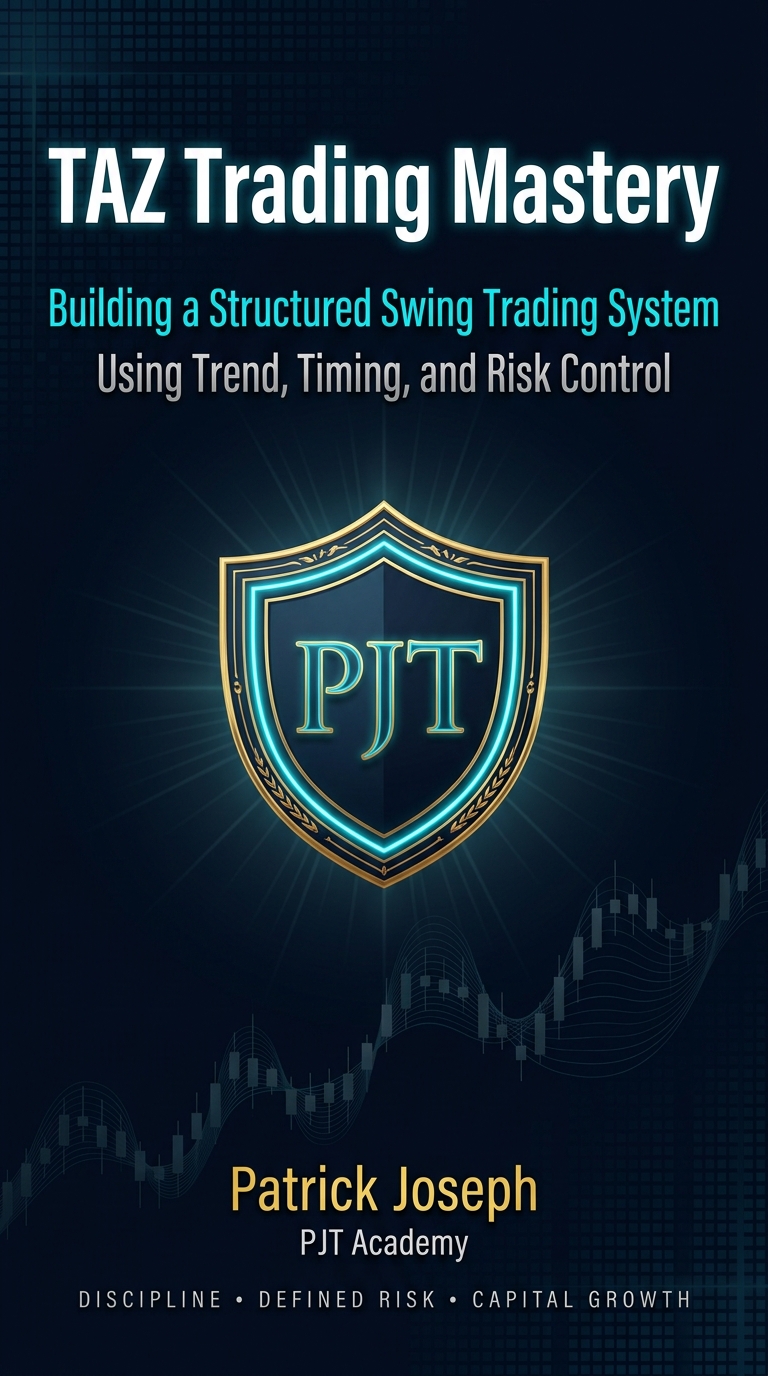
The long-form written version of the PJT system: structure, pullbacks, risk management, chart examples, and execution logic for traders who want the complete framework.
I grew up in Haiti and moved to the United States in 1996. I started trading the Forex and stock markets in 2001, and trading wasn't handed to me — I had to figure it out the hard way. Years of trial, loss, and discipline eventually produced something that works: a repeatable process rooted in structure.
Patrick Joseph has been actively trading the Forex and stock markets since 2001. PJT Academy was built to simplify trading into a structured process: scan, evaluate, and execute with discipline.
"I don't want this brand to feel like noise. I want it to feel like structure, discipline, and purpose."
Important Notice
PJT Academy is an educational platform. We do not manage funds or guarantee profits. This system is designed to teach structure, discipline, and risk management. Trading involves risk and may not be suitable for all individuals. Past performance is not indicative of future results.